Hours keep their project context
Every entry belongs to a project and can point to the task where the work happened. Managers review effort beside delivery instead of reconciling a separate spreadsheet.
Projects and time, connected
A task board explains what the team intended to do. A timesheet explains the effort behind it. Taskiim keeps both in the same workflow, then carries the record through submission, manager review and reporting.
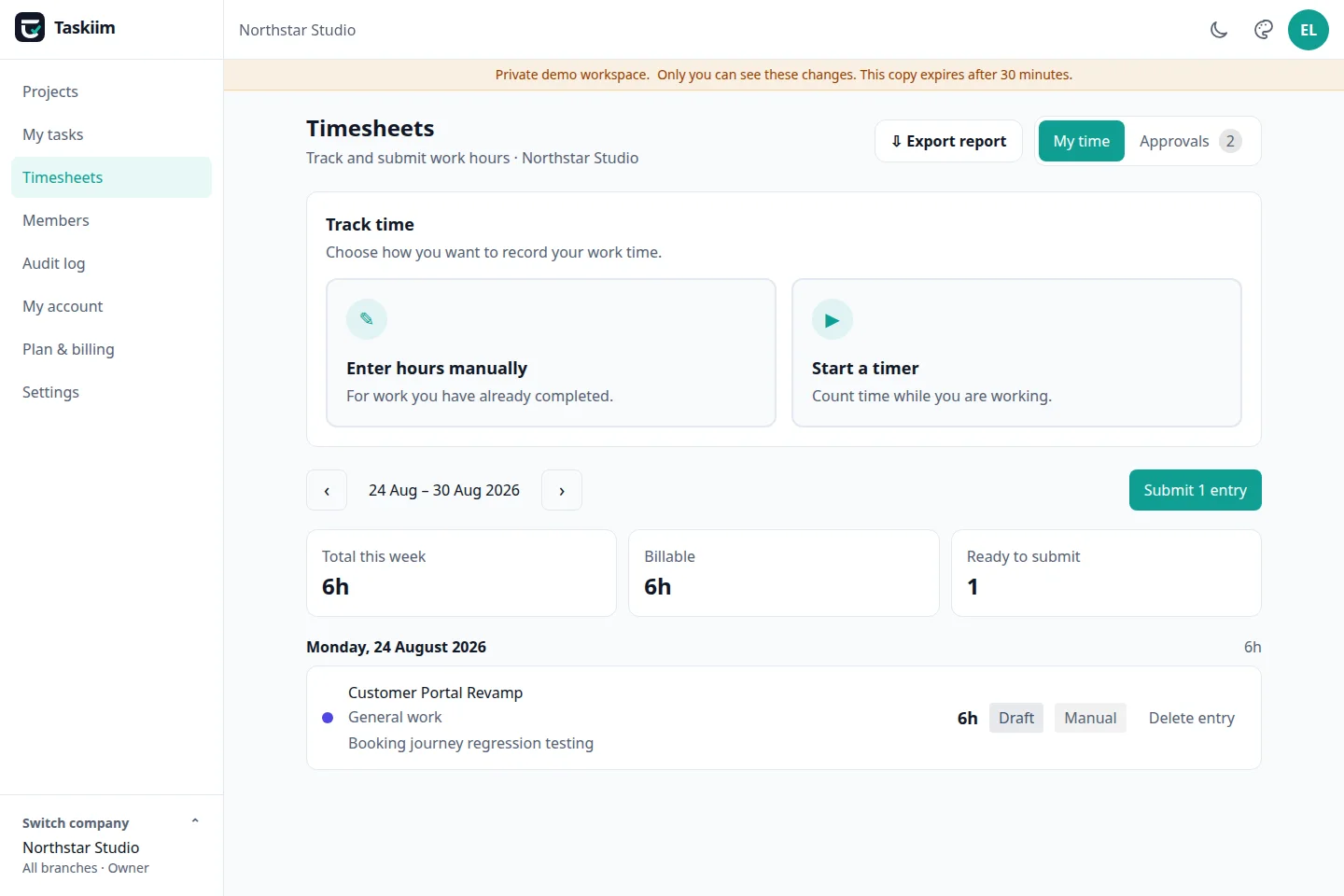
Every entry belongs to a project and can point to the task where the work happened. Managers review effort beside delivery instead of reconciling a separate spreadsheet.
Choose Manual only, Timer only or Both as a workspace policy. Each saved entry preserves its source and follows the same submission rules.
Authorized teams can export PDF or Excel reports across useful date ranges without copying rows into another system first.
Use project boards, subtasks, milestones and dependencies to describe the work before time is recorded.
A team member logs whole minutes manually or starts a timer against a project and optional task.
The person hands off a date range. Submission locks its entries against quiet edits.
A manager approves or rejects with a reason, while the audit log keeps the decision attributable.
Try a real project, task and timesheet workflow in the public demo. No signup and no card.
Try the live demo